
Live Virtual Try-On
with Your Camera
See any outfit on you in real time. Pick a look or upload a clothing photo, turn on your camera and watch the AI dress you as you move.
Try on outfits live in your browser
We don't record your camera or save face images. Video is only processed in real time in our cloud.
How to use
Three steps to a live virtual try-on
Everything runs in your browser on a computer or phone. No app, no 3D scan and no graphics card required.
- 01
Pick an outfit
Choose a look from the outfit gallery or upload a photo of the clothes you want to try. One clear photo of the full outfit works best.
- 02
Turn on your camera
Allow camera access and check the preview. Step back so your upper body or full body is in frame, with even light on you.
- 03
Start the try-on
Press Start try-on. Once connected, the AI video shows you wearing the outfit and follows your pose and movement. Stop at any time.
Examples
Live virtual try-on in action
The outfit follows your body as you turn, move your arms and walk around the frame.
Outfit gallery
Pick a look to try on
Everyday outfits, suits and costumes, ready to try. Tap one to load it into the studio above.
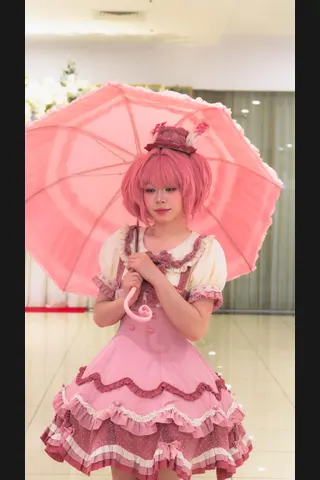 LolitaTry it on
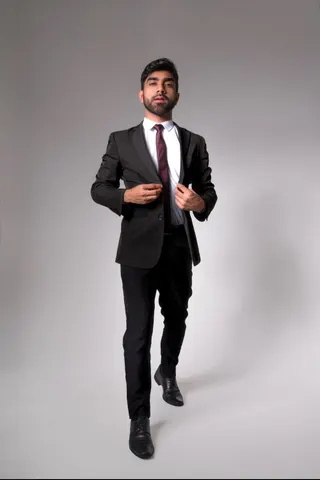 Business SuitTry it on
 JK UniformTry it on
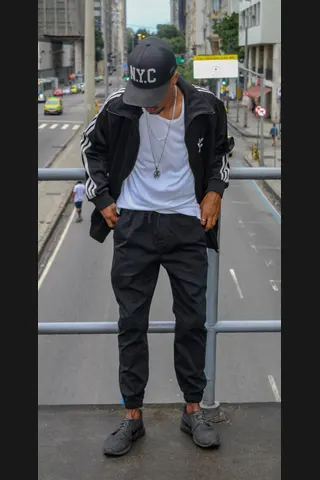 StreetwearTry it on
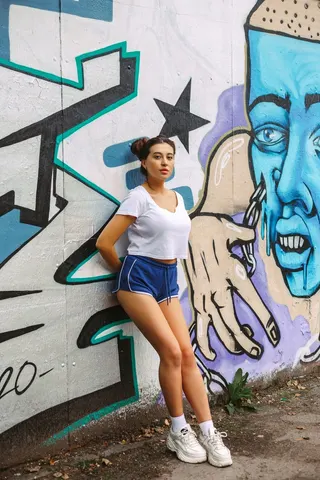 AthleisureTry it on
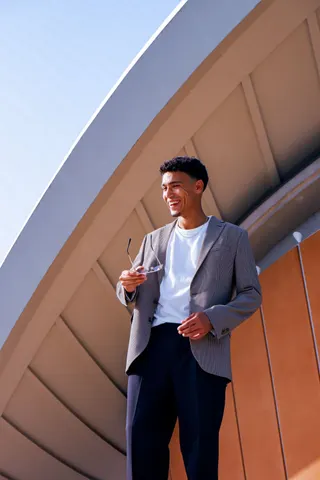 Smart CasualTry it on
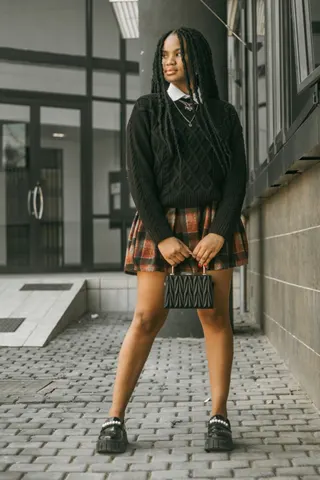 PreppyTry it on
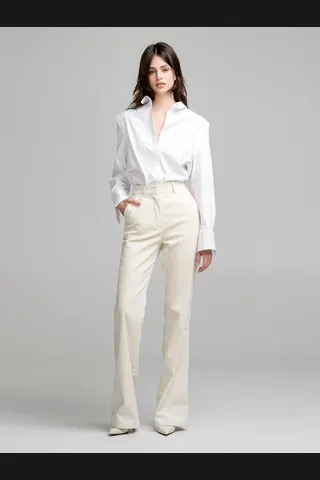 MinimalistTry it on
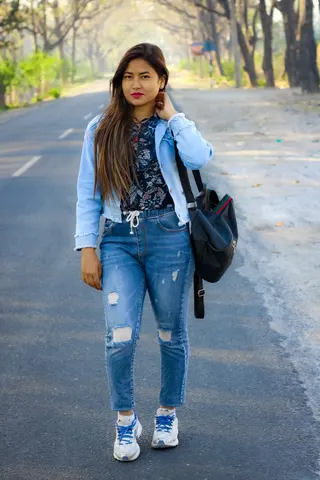 DenimTry it on
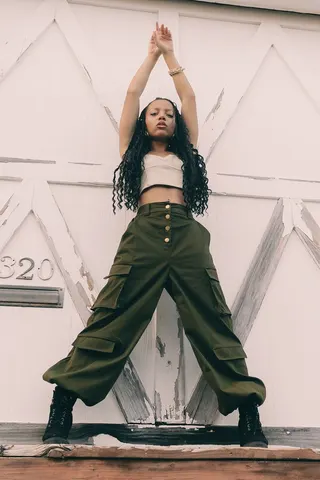 UtilityTry it on
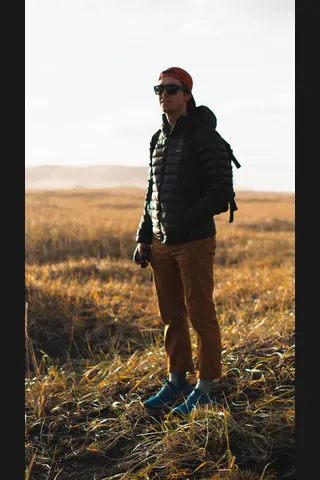 OutdoorTry it on
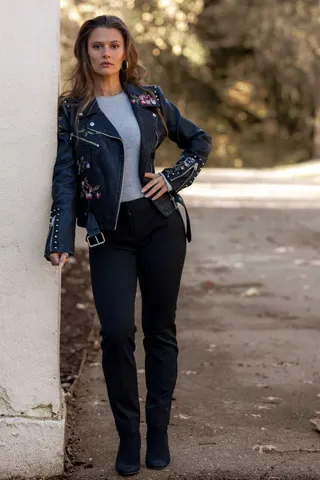 Biker LeatherTry it on
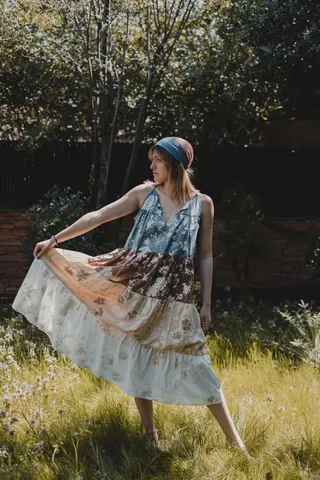 BohemianTry it on
 CottagecoreTry it on
 VintageTry it on
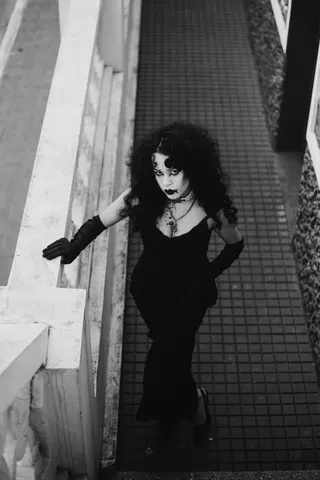 GothicTry it on
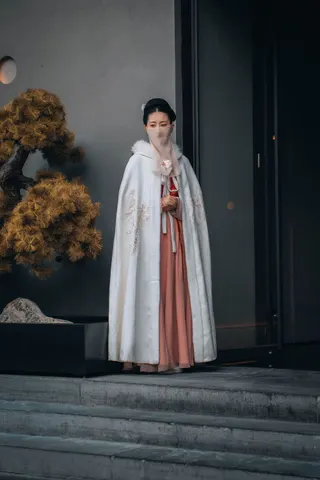 HanfuTry it on
 QipaoTry it on
 KimonoTry it on
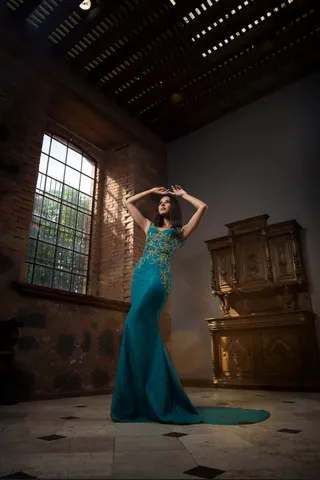 Evening GownTry it on
Have your own outfit photo? Upload it in the studio: JPEG, PNG or WebP, up to 5 MB.
Use cases
Who uses live virtual try-on
A quick way to see a look on a real, moving person before you decide.
Preview before you shop
Save a product photo from a store and see the outfit on yourself before you buy. It shows style and color, not exact fit.
Live shopping and streams
Show viewers several looks in one session without changing clothes between each one.
Creators and cosplay
Test costumes and character outfits on camera before you buy materials or film a video.
Styling ideas
Compare colors, layers and styles side by side, or try a look you would not normally pick.
Tips
Get a better try-on result
Most problems come from framing and the outfit photo. These help the AI match the clothes to your body.
Your camera
- Show your upper body or full body. A face-only close-up leaves no room for the outfit.
- Use even light from the front and avoid a bright window behind you.
- Keep only one person in frame and use a simple background.
- Move at a natural pace. Fast spins can blur the clothing for a moment.
Your outfit photo
- Use one complete outfit, either laid flat or worn by a model.
- Make sure the whole garment is visible and not cropped.
- Pick a sharp, well-lit photo with a plain background.
- Avoid collages, multiple people or heavy text over the clothes.
Compare
Live, photo and AR try-on
Virtual try-on tools work in different ways. Here is how a live AI try-on compares with the other common types.
| Aspect | Live AI try-on | Photo try-on | AR try-on |
|---|---|---|---|
| What you provide | Your camera and one outfit photo | A photo of you and a garment photo | Your camera and a 3D product model |
| What you get | A live video of you wearing the outfit | One still image | A 3D item placed over your camera |
| Moves with you | Yes, follows pose and movement | No | Yes, for tracked items |
| Best for | Full outfits, livestreams, trying many looks | A single shareable picture | Glasses, watches, makeup, jewelry |
| Limits | Shows look and style, not exact size or fit | No movement, wait for each result | Needs a 3D model of each product |
Models
Basic or Pro try-on
Switch between the two models in the studio before you start.
Basic
1 credit/s
The lower-cost option for trying many outfits and longer sessions.
Pro
6 credits/s
A dedicated try-on model that aims to keep your face, hair, pose and lighting while it changes the outfit.
Credits are only used while the AI video is showing. We charge once after you stop, rounded up to whole seconds. New accounts get 100 free credits, which is 100 seconds on Basic.
What live try-on can't do
- It does not measure your size or show exactly how a garment fits. Check the size chart before you buy.
- Fabric texture, small prints, logos, shoes and small accessories may not match the photo exactly.
- The AI renders one person. With several people in frame, results become unreliable.
- The result shows on this page only. The browser studio does not add a virtual camera for Zoom or OBS.
FAQ